
You can use Inspection History to find an earlier inspection by property address, status, or inspection type, then open the record you need.
Step by step
- Open History to go to Inspection History.
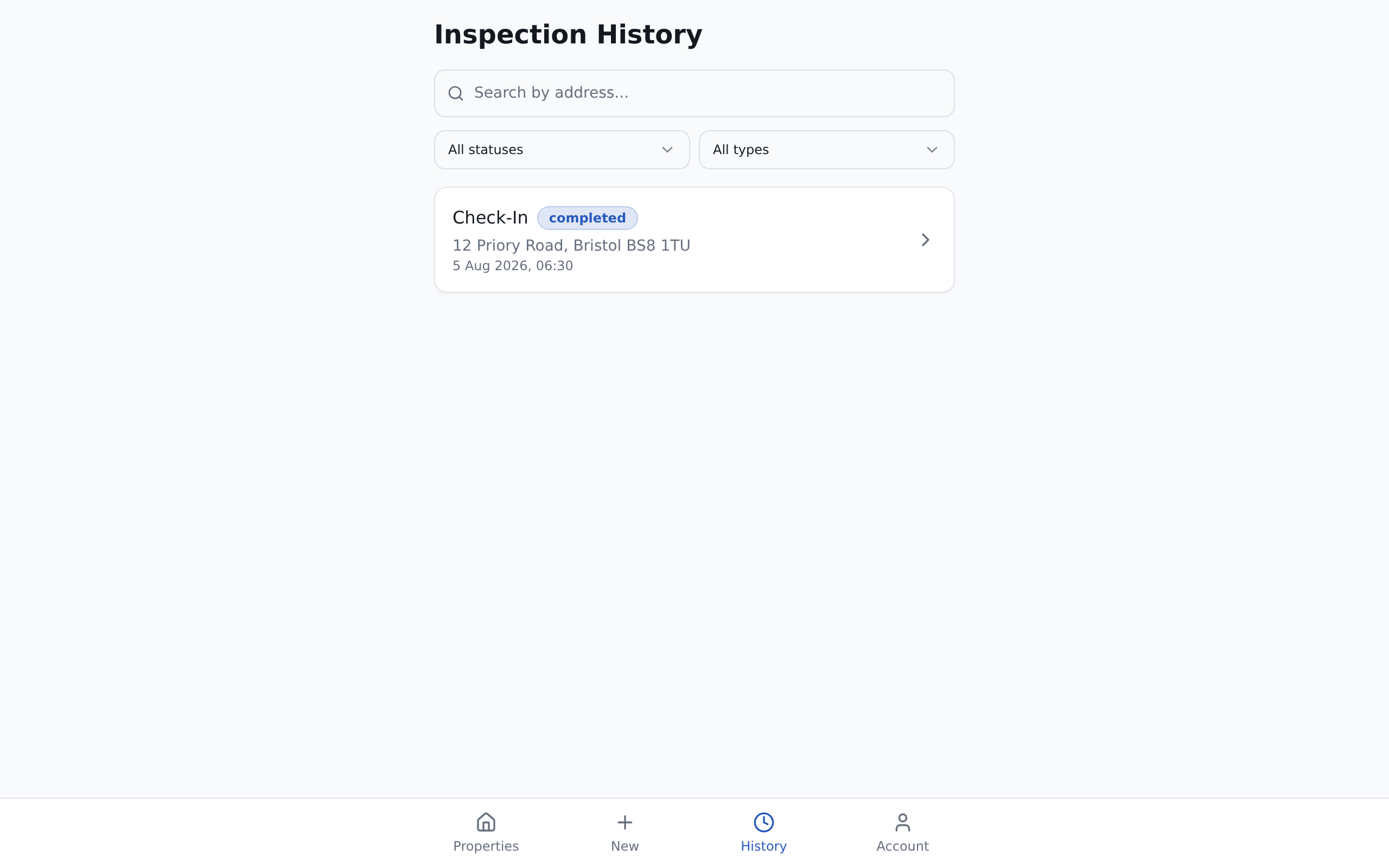
- If you know the property, use Search by address... to narrow the list.
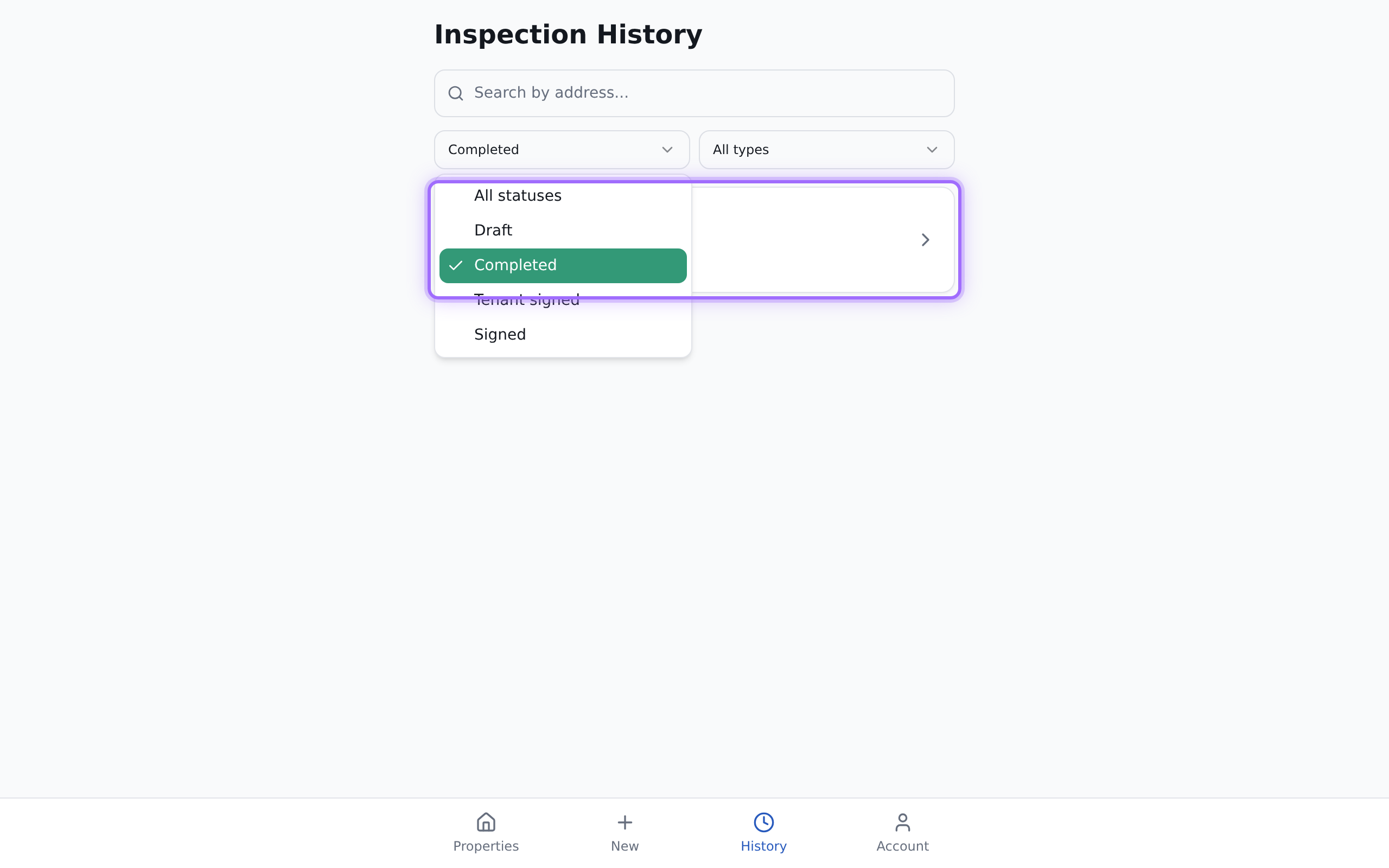
- To narrow by progress, use the status filter and select one of the available options:
- All statuses
- Draft
- Completed
- Tenant signed
- Signed
- To narrow by inspection type, use the type filter and select the option you need. The available options in the filter are:
- All types
- Check-in
- Check-out
- Click the inspection you want to open.


Good to know
You need to be signed in to access Inspection History.
Search matches the property address text and is not case-sensitive, so you can type part of an address instead of the full address.