Create an account or sign in, add your first property, and start an inspection from that property record. This is the quickest verified path to get into your inspection workflow.
Step by step
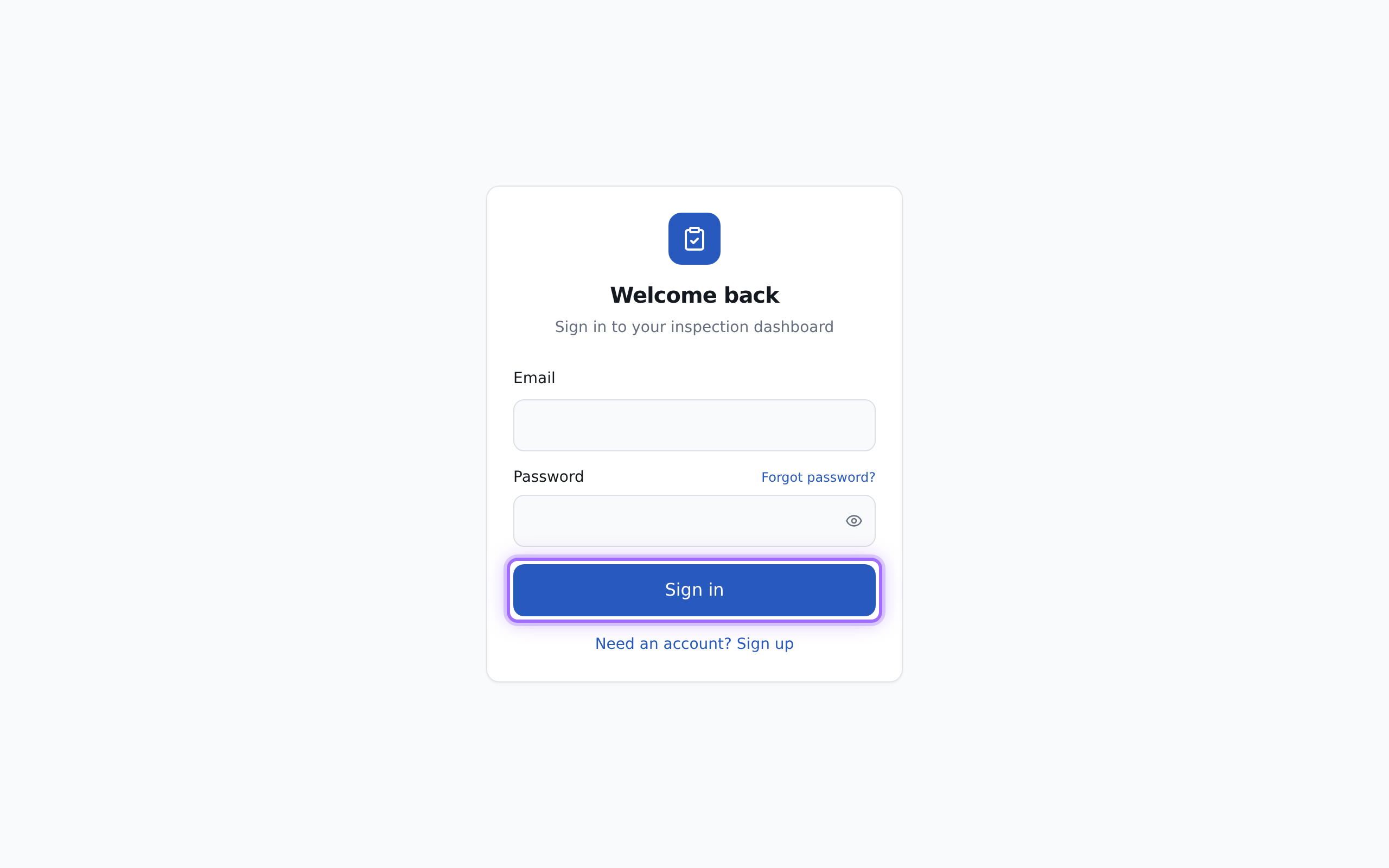
- Open the sign-in page and choose the option you need:
- Select Create account if you are new to Inspectifi.
- Select Sign in if you already have an account.
- If you are creating an account, enter:
- Full name
- Password
- Confirm password
Then select Create account.
- If you already have an account, enter your Email and Password, then select Sign in.
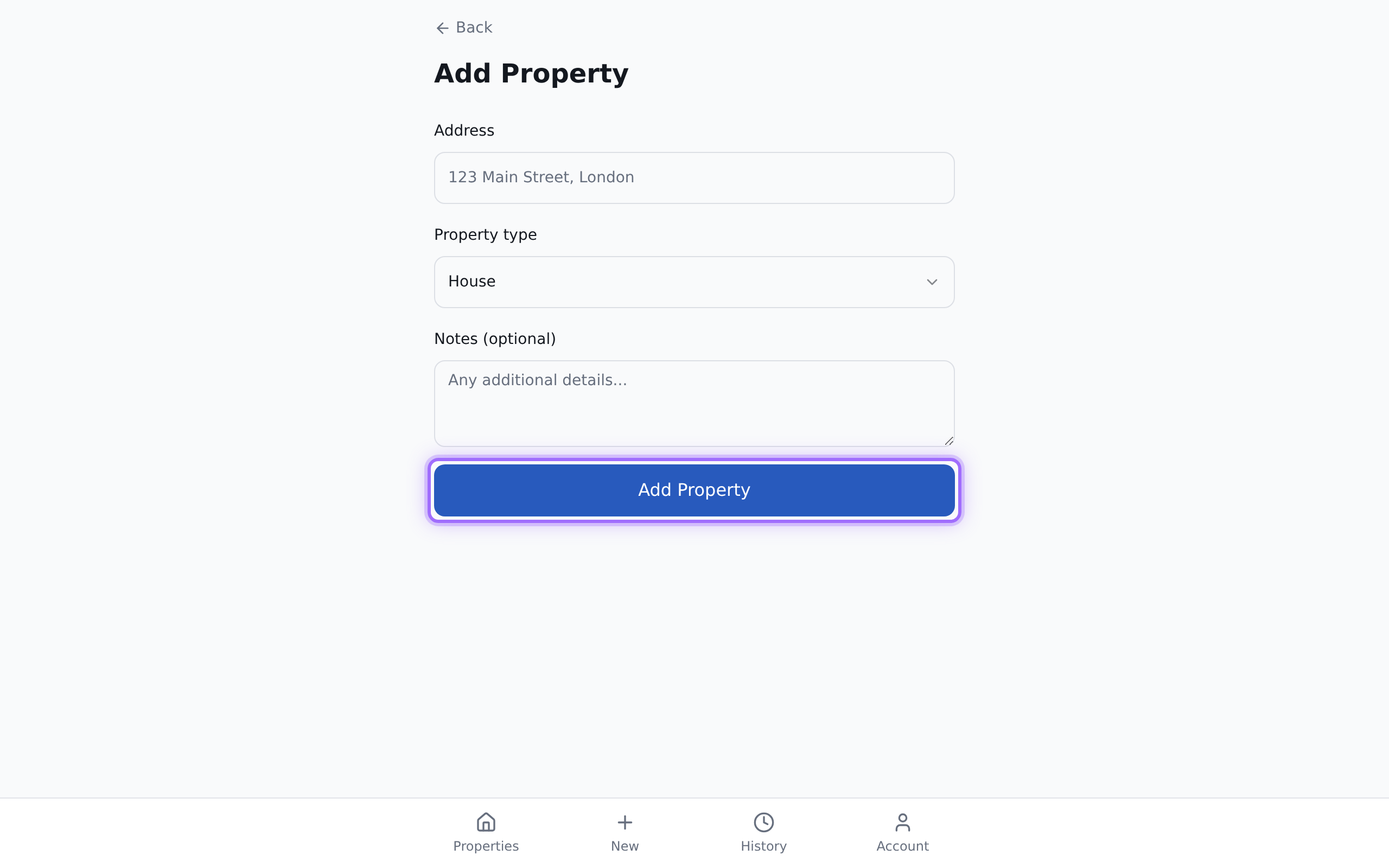
- Add your first property. Enter:
- Address
- Property type
- Notes (optional)
- After your property has been created, open that property and select New in the Inspections section to start an inspection.
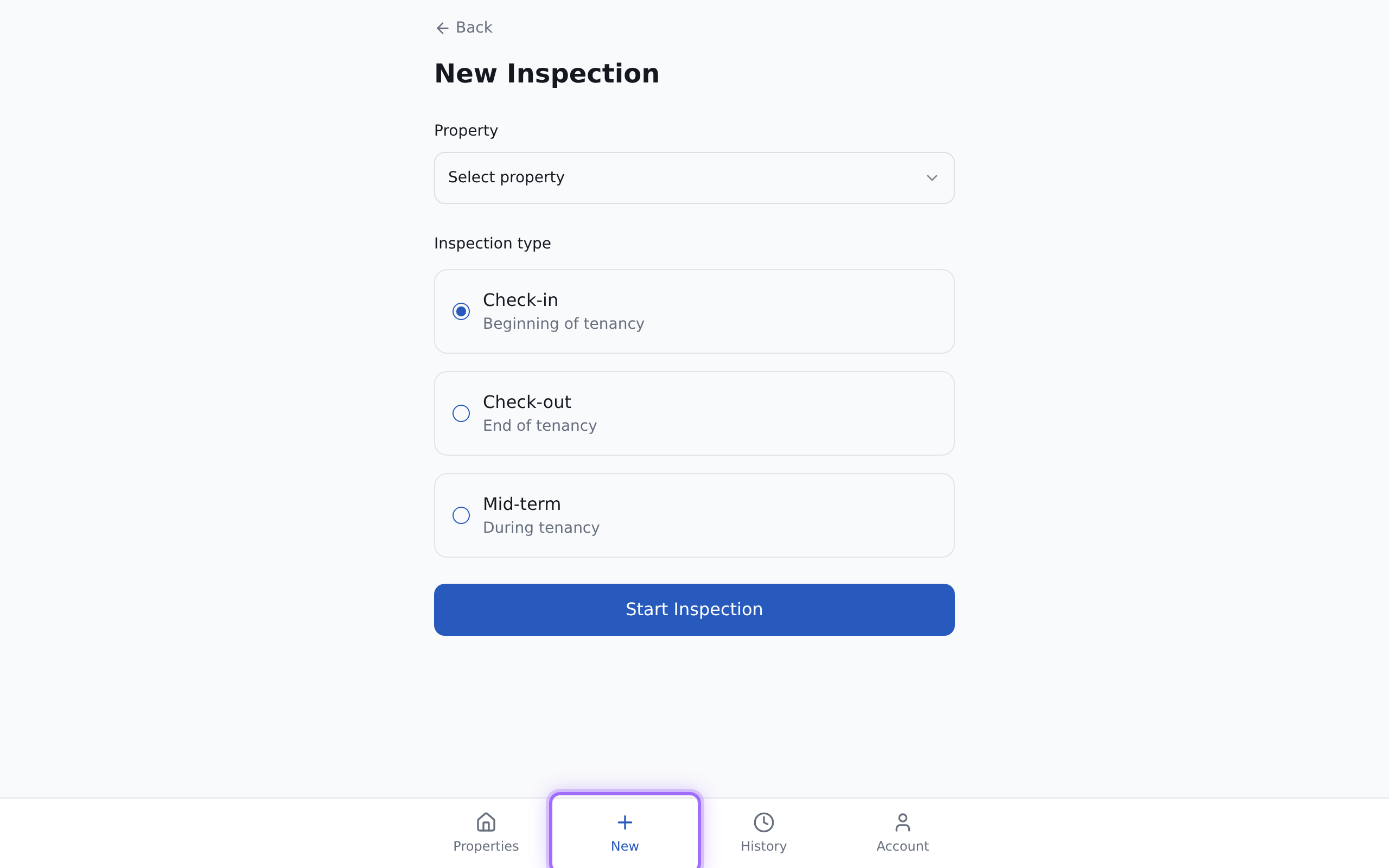
- On the new inspection form, select the property if needed using Select a property.
- Complete the inspection items that are available, such as:
- No signs of damp or mould
- No leaks from taps, pipes or radiators
- Smoke alarms tested and working
- Carbon monoxide detector tested and working
- Heating system working correctly
- Hot water working correctly
- Extractor fans working


Good to know
If you create an account, you must verify your email before you can continue. After sign-up, Inspectifi sends a verification link to your email address.
If you forgot your password, use Forgot password? on the sign-in form, then select Send reset link. When you open the reset link, you can set a new password with Update password.